Summarize this page with
Device intelligence signals are observations used to recognize a client or assess its environment and activity. Useful groups include browser attributes, integrity checks, network context and account-event relationships. A large signal count is less useful than knowing which observations are available, how current they are and what decision they support.
Build your evaluation around a specific event, such as registration or login. Inspect the signals returned for that event, the conditions under which they are collected and the meaning of an absent field. A browser observation, matching-confidence value and account-risk finding should retain separate meanings.
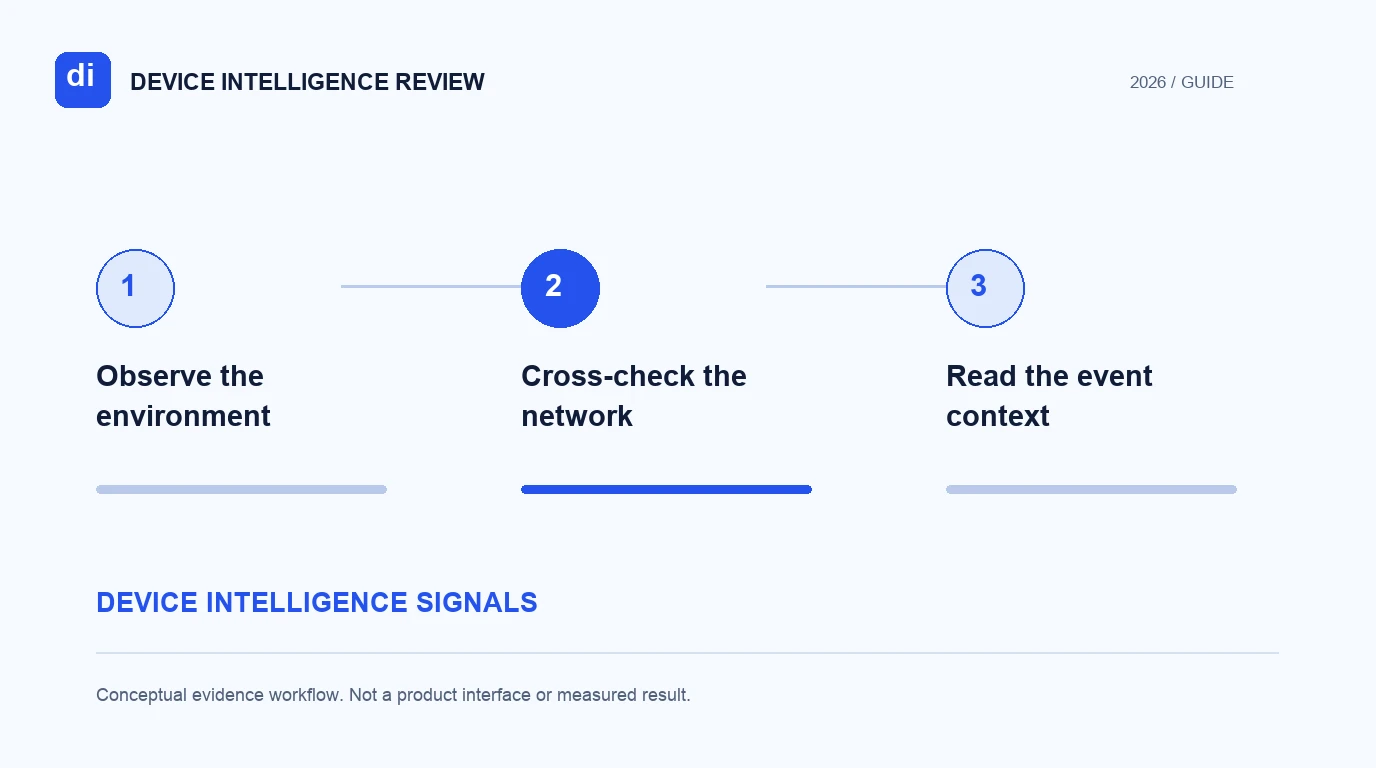
- 1Observe the environment
- 2Cross-check the network
- 3Read the event context
Start with observable browser attributes
Browser attributes can describe language, screen characteristics, available APIs and other environment properties. The BrowserLeaks JavaScript page exposes examples of these observations. It is useful for seeing what a browser reports, but it does not turn each unusual value into evidence of account abuse.
Some attributes change naturally. A laptop can move between displays. A traveler can use a different language setting. A browser update can change available information. Record these legitimate variations in your test plan instead of treating every difference as a failed identity match or a risk event.
Rendering and browser-audio observations can contribute to a fingerprinting implementation. The phrase “audio fingerprinting” also describes identifying music or other recordings. Those are different tasks. This guide concerns browser/device evidence; content recognition requires its own tools and evaluation.
Separate integrity checks from identity matching
An integrity check asks whether aspects of the client environment are consistent with expectations. Matching asks whether an observation can be associated with a previous device under the supported scope. A product may use some of the same evidence for both questions while returning different fields.
Sannysoft's diagnostic page exposes automation and environment checks. Read the individual results as diagnostics. A passed check does not prove that an account is legitimate; a failed check does not establish fraud. Include normal privacy configurations and accessibility or managed-device environments among the controls you inspect.
The Fingerprint playground provides a hosted product view of identification and Smart Signals. Its fields should be interpreted under the current documentation and plan. The appearance of a field in a demonstration does not automatically make it part of a free identification entitlement.
Cross-check the network context
An address, a network classification and a current-device observation have different scopes. A shared office connection may serve many legitimate accounts. A device can also change its network while remaining the same device. Preserve the observation time when comparing network context with recognition history.
ShieldLabs Network Intelligence combines connection analysis with device context. In a buyer evaluation, this is a reason to inspect the joint result rather than reduce the product to an IP blocklist. It does not remove the need to check which fields the chosen integration returns for the event.
Ask how the system deals with evidence that conflicts. For example, a returning device on an unfamiliar route may need a different interpretation from a new device linked to repeated signups. The useful output is the evidence and assessment relevant to the workflow, not a blanket rule that every changed route means abuse.
Add activity and account relationships
Signals become more useful when attached to a relevant event. A device observed at a login and a device observed on a public marketing page do not carry the same account relationship. Confirm how the integration associates a result with the protected action and the authenticated account where applicable.
SEON's device intelligence material and Sardine's platform cover device evidence within broader risk workflows. Compare the specific collection and interface you would use. Transaction, identity-verification and case-management capabilities may belong to separate modules or plans.
For account investigations, inspect what history is retained and how links are explained. A count of associated accounts is not the same as a confirmed multi-accounting finding. The product may apply a defined detection, expose the underlying history or expect the application to interpret the relationship.
Keep an evidence inventory
Use a small inventory before expanding the pilot. It will make missing fields and incompatible comparisons visible early.
| Evidence group | Record | Check during the pilot |
|---|---|---|
| Client attributes | Field, client version and availability | Expected changes and legitimate variability |
| Integrity | Check name and result semantics | Altered environments and legitimate controls |
| Network | Observation time and supported classification | Shared networks and route changes |
| Recognition | Identifier and matching scope | False splits and false merges |
| Account context | Event, relationship and history window | Correct association and shared-device cases |
Keep raw test records in the environment where you are authorized to handle them. A public checker is a quick view of one client; it is not a reason to upload unrelated customer records or credentials.
The signal and scope reviews help shortlist products. Follow with the persistence test plan and the account-context guide to evaluate how the observations connect over time.
FAQ
Does a higher signal count mean better detection?
A count alone does not establish performance. Check signal relevance, availability, interpretation and the outcomes measured on permitted labeled cases.
Is an unusual browser setting proof of fraud?
No. Evaluate the observation with legitimate controls, other evidence and the protected action. Normal configuration changes can produce unusual values.
Are network and device signals interchangeable?
No. A network can be shared by many devices, and a device can change networks. Compare the fields together while retaining their distinct scopes and timestamps.
Continue reading
- Device ID persistence: test recognition and collisions
- Device intelligence pricing: compare checks, APIs and access
Compare all twelve tools or read the complete deployment guide.